Overview: 3D Rendering Services Cost (What You Should Know)
If you’re a developer budgeting visuals for presales or an investor deck, you don’t need a long lecture on what rendering is. You need realistic ranges, and you need to know what changes the number.
In 2026, 3D rendering services cost is all over the map because the “same deliverable” can mean very different things. Some quotes cover a single image with minimal QA. Others include scene setup, look-dev, structured revisions, and a clean handoff for marketing use. That’s why you’ll see anything from a few hundred dollars to several thousand per still image depending on project type and quality level.
A practical way to think about 3D visualization services cost is this:
- You’re paying for production time (model cleanup, materials, lighting, cameras, post).
- You’re paying for risk control (QA, predictable revisions, consistency across a set).
- You’re paying for use-case fit (investor-ready credibility vs quick concept visuals).
If the visuals will be used in sales and public marketing, “cheap” often turns into rework. And rework is the real cost driver. That’s why architectural rendering service price should be evaluated as “total cost to get usable assets”, not “price per image”.
Average Price Ranges by Deliverable
These are market-style ranges you’ll see across common deliverables. Use them as a sanity check when you review quotes, not as a final budget.
Exterior Still Renders
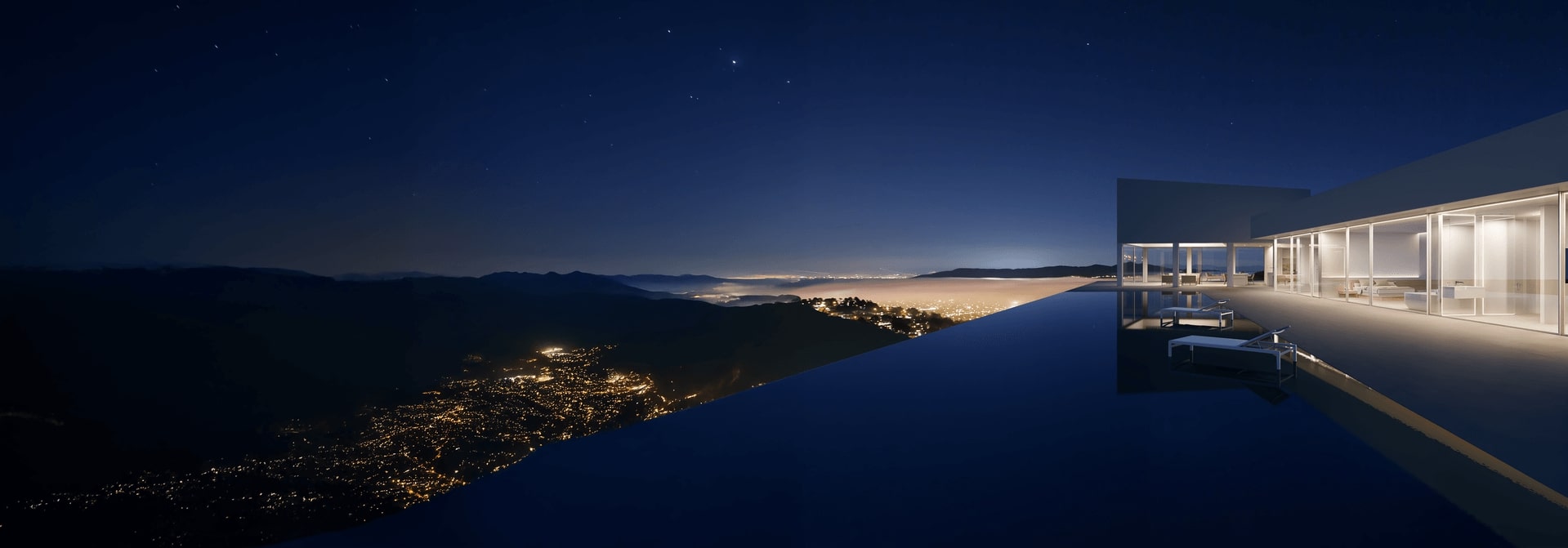
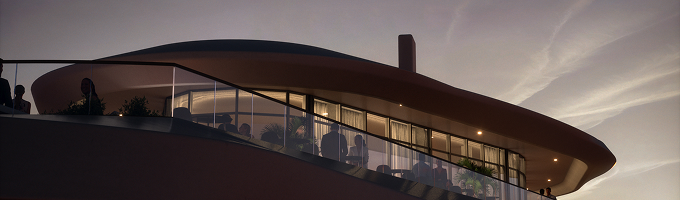
Exterior stills usually land in the mid four figures per image when you want high-end realism and strong context, but you can also find budget options far lower depending on style and scope. A common range you’ll see cited is $1,400-$2,800 per exterior image from some studios.
Broader market guides also show that still image pricing can range widely, from low hundreds to several thousand depending on quality level and provider.
When developers use them: hero images for landing pages, brochures, signage, listings, investor decks.
What drives price up: complex façade detail, accurate site context, custom materials, multiple lighting scenarios (day/dusk), and “this must look premium” expectations.
Interior Still Renders
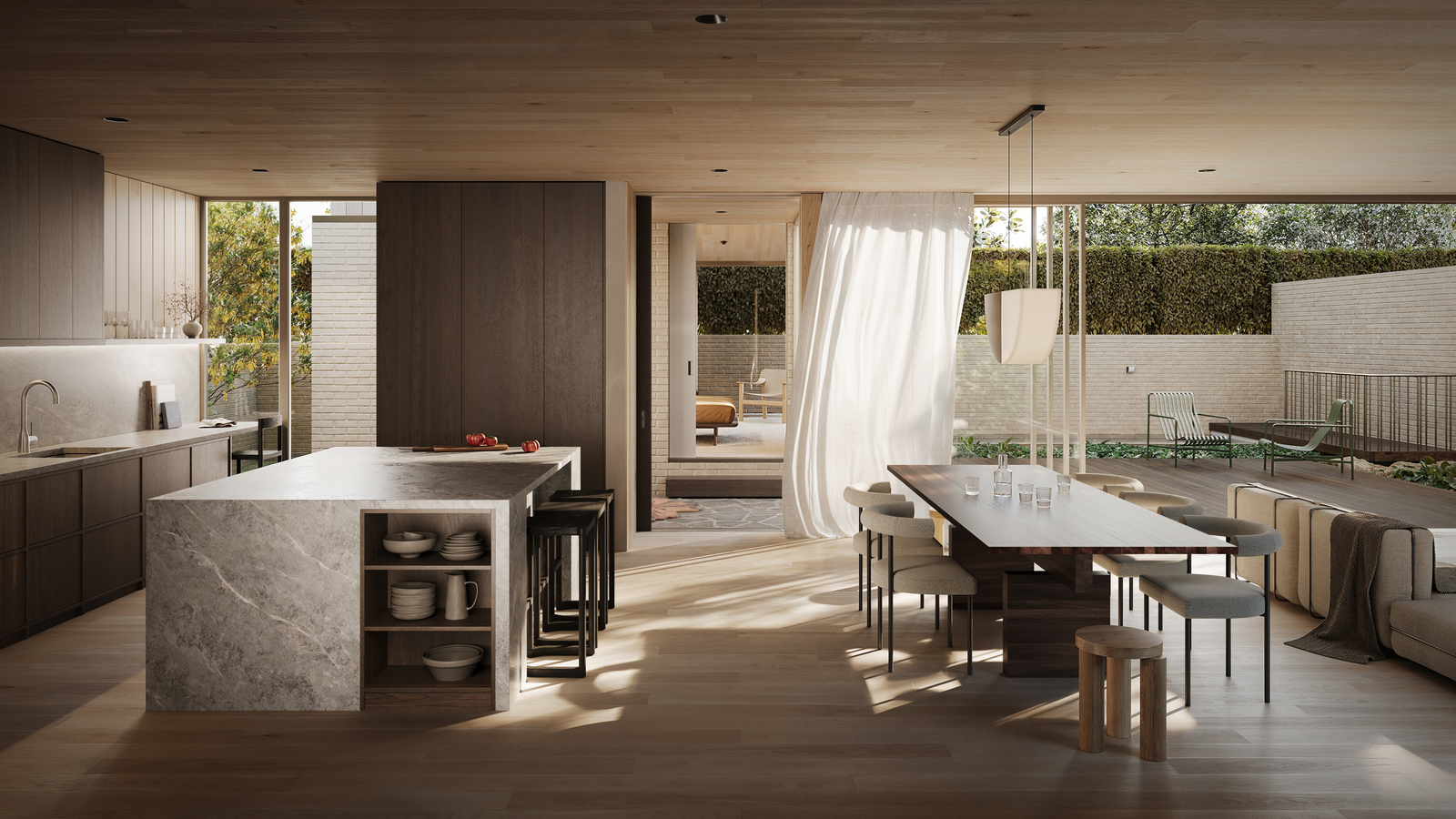
Interior stills are often priced slightly lower than exteriors when the environment is controlled, but “premium interior realism” can be just as time-heavy as exterior work. One common published range is $900-$1,800 per interior image in certain pricing guides.
Other sources show a wider spread depending on residential vs commercial, and the level of detail required.
When developers use them: presales mood and lifestyle, feature highlights (kitchens, lobbies, amenities), investor credibility.
What drives price up: custom furniture, complex lighting, glossy materials (glass/metal/stone), and “close-up scrutiny” shots.
3D Floor Plans
3D floor plans are typically more standardized and faster to produce than full photoreal interiors, but the price still depends on styling and how many plan variations you need. Some published ranges put 3D floor plans at roughly $600-$1,500 per plan.
When developers use them: fast layout clarity for non-technical stakeholders, broker kits, websites, unit type pages.
What drives price up: multiple unit types, highly branded styling, and complex building layouts.
Animation & Walkthroughs
Animation is where budgets jump, because you’re paying for many frames, not one. A commonly cited market range is roughly $6,000-$12,000 per minute (and it can go higher for complex scenes).
Other guides show broad ranges for animation depending on length, detail, and production complexity.
When developers use them: presales momentum, overseas buyers, explaining circulation/site context, social cutdowns.
What drives price up: long duration, multiple camera cuts, heavy landscaping/context, high realism requirements, late-stage changes.
If you want one quick reference for budgeting conversations, use this compact table:
| Deliverable | Common market ranges | Best used for |
|---|---|---|
| Exterior still render | ~$1,400-$2,800+ per image (varies widely) | Hero marketing, listings, investor decks |
| Interior still render | ~$900-$1,800+ per image (varies widely) | Lifestyle, amenities, buyer storytelling |
| 3D floor plan | ~$600-$1,500 per plan | Layout clarity for web + brokers |
| Animation / walkthrough | ~$4,000-$12,000+ per minute | Presales momentum, circulation, overseas buyers |
How Pricing Varies by Quality, Provider, and Scope
If you’ve ever wondered how one quote is 3x or 10x higher than another, it’s usually not because a studio is “overcharging”. It’s because the scope, process maturity, and internal structure of the 3D rendering agency are different, even if the deliverable names look the same. Industry guides consistently point to scope, complexity, realism, and revision cycles as primary drivers.
Project Complexity
Complexity is the fastest way to change cost because it changes production time.
Things that reliably push cost up:
- intricate façades and repeating architectural elements that must stay consistent
- heavy glazing and reflective materials that expose lighting mistakes
- complex landscaping and site context (slopes, retaining walls, adjacent buildings)
- custom interiors (non-stock furniture, branded amenity spaces)
If you’re early-stage and the design is still moving, you don’t always need maximum detail everywhere. But you do need realism in the places that sell the product. That’s a scope decision, not a “quality” argument.
Scope and Number of Views
Most budgeting mistakes happen here.
A quote for “10 images” tells you almost nothing unless you know:
- which views (hero vs supporting angles)
- how many scenes are unique (10 unique scenes ≠ 10 angles of one scene)
- whether you need variations (day/dusk, seasonal, furnished/unfurnished)
- whether you need outputs in multiple aspect ratios for ads and web crops
This is also where developers get hit with “small” changes that aren’t small. Switching a camera angle late, updating façade design, or changing major materials can force rework across the entire set.
A clean scope protects you from that.
Deliverable Quality and Realism
“High-end” usually means three things in practice:
- Material realism (surfaces behave correctly under light)
- Lighting logic (the scene looks believable, not staged)
- Consistency across the set (the project doesn’t look like multiple vendors)
Most low-cost options can produce one impressive image. The hard part is producing a consistent package under deadline with predictable revisions. That’s why higher quotes often bundle structured feedback cycles, QA, and project management – not just prettier pixels.
Value for Developers: ROI and Presales Impact
Developers don’t buy visuals to “look good”. You buy them to move decisions forward.
That’s the real ROI of 3D visualization services. Done right, visuals reduce friction in three places: investor conversations, presales, and internal approvals.
Investor confidence: faster “yes” decisions
Investors don’t have time to decode drawings. They want to understand the product in minutes. High-quality renders help because they turn abstract plans into something tangible.
A strong set usually does three jobs:
- clarifies the product (what it is, what’s special, what’s premium)
- reduces perceived risk (it looks credible, consistent, and executable)
- supports the story (why it sells, who it’s for, why now)
This is also where a lot of teams miss a simple point: the renders are only as effective as the way they’re presented. If you’re building an investor package, pairing your visuals with a pitch deck design service can make the same assets work harder. Not because of “pretty slides”, but because the story becomes structured and easier to follow. The investor doesn’t have to guess what to look at.
Presales: higher engagement, fewer objections
In presales, the job is not “inform”. The job is “remove doubt”.
Buyers hesitate when:
- materials don’t feel real
- layouts are hard to understand
- the building’s scale feels off
- the lifestyle feels generic or staged
High-end visuals reduce those objections early. They make the product feel consistent across website, listings, broker decks, and ads. That consistency matters because buyers compare. If your assets feel uneven, the project feels less premium, even when the product is strong.
Internal approvals: fewer back-and-forth cycles
You also save time internally. When all stakeholders see the same clear visuals, approvals move faster. Design intent is easier to align. And issues surface earlier, before someone is stuck fixing them late in the process.
That’s why the business question isn’t “what’s the lowest 3D rendering services cost?”. It’s “what does it cost us if visuals create confusion or rework?”.
Bundling vs a la Carte: Which Approach Is Best
This is where developers waste money without realizing it.
Buying single images “as needed” feels flexible. In practice, it usually creates two problems:
- you end up with gaps (missing angles, missing formats, missing layout clarity)
- you end up with inconsistency (different lighting, different staging logic, different quality level)
That’s why property visualization services work best as a package, not isolated deliverables.
When bundling makes more sense
Bundling is usually the right move when you need assets across multiple touchpoints:
- investor deck + presales landing page
- broker kit + listings
- paid ads + website launch
- unit type pages + amenity highlights
A bundle doesn’t mean “buy everything”. It means planning a set that covers your funnel without overproducing.
Typical bundle logic:
- 2-4 exterior still renders (hero + context)
- 2-6 interior still renders (key spaces + amenities)
- 1-3 3D floor plans (top unit types or typical floor)
- optional: 10-30 sec animation or a few 360 views
This approach usually improves 3D rendering services pricing predictability because scope is clear upfront. And it reduces rework because the set is built with a single lighting/material standard from the start.
When a la carte is fine
a la carte is fine when you have a narrow goal and a stable design:
- one investor hero image for a specific deck
- one key interior to validate design intent
- a single floor plan visual for a listing page
But the moment you start using assets across channels, a la carte becomes expensive. You pay extra to retrofit consistency later.
How to Budget Your 3D Render Project (Step-by-Step)
If you want an accurate budget, don’t start with “how much per image?”. Start with use case and scope.
Here’s a simple budgeting workflow that matches how good providers build quotes. It also prevents the most common “quote shock” later.
Step 1: Define the primary goal
Pick one primary goal, even if you have secondary ones:
- investor deck
- presales launch
- approvals and planning
- listings and broker materials
This matters because the goal defines the minimum deliverables. Presales needs variety. Investor decks need fewer, but stronger, assets.
Step 2: Choose the deliverable mix
Select a mix based on how stakeholders will consume the visuals:
- still renders for core marketing
- 3D floor plans for layout clarity
- animation if you need motion/circulation storytelling
- 360 views if you need interactive engagement
This is where architectural rendering pricing becomes predictable. You stop guessing and start scoping.
Step 3: Decide the number of “unique scenes”
This is the budgeting lever most teams miss.
“10 images” can mean:
- 10 angles of 2 scenes (lower effort), or
- 10 unique scenes with different lighting/staging (higher effort)
Unique scenes drive time. Time drives cost.
Step 4: Lock revision rules
Build budget around defined revision rounds, not “as many as needed”.
A safe baseline for most developer projects:
- 1 round for composition/cameras
- 1-2 rounds for materials and detail corrections
If you know approvals are messy, budget for it upfront instead of fighting scope later. Revision uncertainty is a major driver of 3D rendering services cost in real projects.
Step 5: Add a contingency buffer
Add a buffer for the stuff that always happens:
- late design updates
- new stakeholder feedback
- added views for marketing variations
A realistic buffer is often 10-20%, depending on how stable the design is and how many decision-makers are involved.
Questions to Ask Before You Get a Quote
Most pricing problems aren’t “bad vendors”. They’re bad inputs.
If you send a vague request, you’ll get a vague quote. Then the project starts, and suddenly the real scope shows up as “extras”. That’s how budgets drift.
Use these 3D visualization pricing questions to force clarity before you commit. They also make it easier to compare vendors on equal terms.
- What exactly is included in the scope?
Ask for a written list of deliverables: number of images, which views, what formats, and whether post-production is included. “10 renders” is not a scope. Ten renders can be ten angles of two scenes or ten fully unique scenes. The cost difference is huge. - How many unique scenes are you building?
This is the cleanest pricing lever. A “scene” is a full setup (model state, materials, lighting, staging). More scenes means more production time. More production time means higher 3D rendering services cost. - What inputs do you need from us to keep timeline and price stable?
A professional architectural rendering service will tell you what they need upfront (CAD/BIM, plans, elevations, material intent, site context, references). If they don’t ask for inputs, they’re guessing. And guesses become change orders. - How do revisions work, and what counts as a scope change?
You want a clear answer on:
- how many revision rounds are included
- how feedback must be delivered (one consolidated list is best)
- what is considered a “change” (camera swaps, redesign, new materials, etc.)
If this is unclear, you’re not buying a fixed service. You’re buying a negotiation.
- Who manages the project day to day?
If nobody owns communication, you’ll feel it fast. Messages get missed. Feedback gets misunderstood. Drafts arrive late. Ask if there’s a dedicated PM or lead who coordinates the team and protects the schedule. - What is your QA process before final delivery?
Ask who checks:
- scale and proportions
- material accuracy
- lighting logic
- consistency across the set
Without QA, you become the QA. And that’s not why you’re paying for 3D visualization services.
- What usage rights do we get?
Developers need broad usage for websites, listings, investor decks, ads, and broker kits. Make sure you can reuse and crop assets freely, and that you’re not restricted by region or channel.
If a vendor answers these questions clearly, that’s usually a good sign their pricing will be predictable, too.
Price Comparison Table: Typical Costs
These ranges are meant to help you sanity-check quotes. They’re not a “rate card”. Real pricing still depends on complexity, realism level, and how clean your inputs are.
| Deliverable | Typical market range (USD) | What usually drives the range |
|---|---|---|
| Exterior still render | $800-$3,500+ per image | Context, façade detail, realism, day/dusk versions, QA |
| Interior still render | $600-$2,500+ per image | Custom furniture, lighting complexity, material realism, styling |
| 3D floor plan | $400-$1,500 per plan | Number of unit types, branding/styling level, clarity requirements |
| Animation / walkthrough | $4,000-$15,000+ per minute | Duration, number of shots, environment complexity, late changes |
| 360° views / panoramas | $500-$2,000+ per view | Scene complexity, interactivity, resolution, consistency with stills |
If a quote is far outside these ranges, it doesn’t automatically mean it’s wrong. But it does mean you should ask “what’s different in scope, process, or quality”.
Final Takeaways: Smart Pricing Decisions
Here’s the clean way to make a good decision without overthinking it.
- Budget around outcomes, not “price per image”.
If visuals support presales and investor confidence, your real goal is predictable delivery and consistency. That’s what reduces rework. - Scope is everything.
The best way to control 3D rendering services cost is to define deliverables and unique scenes upfront. If you don’t lock scope, you can’t lock price. - Process beats portfolio.
A portfolio shows what a studio can produce. It doesn’t show whether they can deliver under deadline with clean revisions and QA. Ask the hard questions before you sign. - Bundles usually win for developers.
If you need assets for multiple channels, buy a planned set. That’s how 3D visualization services cost stays predictable and the project looks consistent everywhere. - Pay for QA if assets go public.
Marketing visuals are not internal drafts. Errors cost you trust. In real estate, trust is the product.
Your Journey | to Marketing Renders | That Bring Out | The Best in Your | Project
Read Our Whitepaper